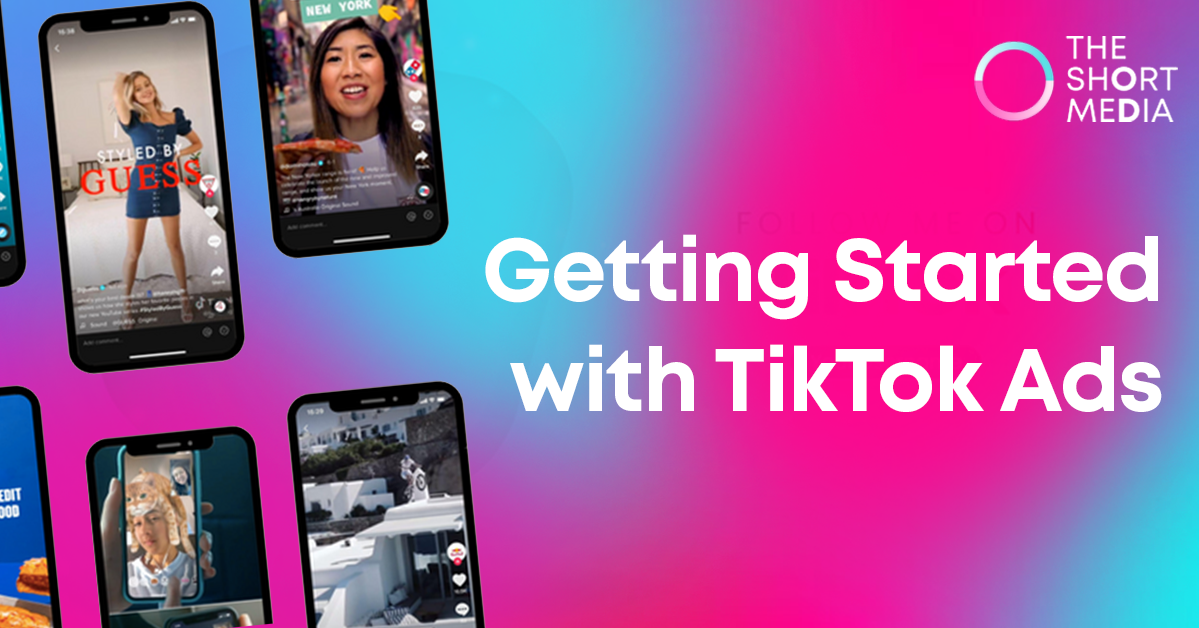
Getting Started with TikTok Ads
Understanding the Basics of TikTok Advertising TikTok Ads Manager is a powerful and user-friendly platform that allows businesses and marketers to tap into this massive community and effectively promote their products or services. In this comprehensive guide, we’ll delve into the fundamentals of TikTok advertising, from ad formats and targeting to cost management and placements, helping you harness the full potential of TikTok Ads Manager for your marketing success. Effective Reach and Engagement TikTok’s widespread popularity placed it among the world’s most downloaded apps in 2020. With audiences spanning over 150 countries, advertising on TikTok grants you access to a diverse user base, enabling you to reach more potential customers and drive significant traffic to your business. Diverse Apps for All Marketing Goals TikTok Ads Manager opens the door to a family of apps, each catering to multiple verticals, including entertainment, news, and content discovery. This versatility empowers you to find the most suitable users for your products, aligning with your specific marketing objectives. TikTok: The flagship app for sharing short-form videos. Pangle: Pangle is a high-performing video advertising platform that helps businesses reach a global audience. Other Partner Apps For detailed insights into the available ad types on each app, refer to TikTok Ads Placement. Creative Ad Formats and Tools Engaging your audience is paramount, and TikTok Ads Manager offers a diverse range of creative ad formats to achieve precisely that. From horizontal and vertical, to square videos and images, you can select formats that best align with your campaign goals. But it doesn’t stop there. TikTok Ads Manager equips you with unique tools to excel in ad creation and optimization, regardless of the scale of your campaign: Video Creation Kit: A user-friendly tool providing a variety of video templates, enabling you to create compelling videos using your existing images without the need for professional editing skills.Automated Creative Optimization: Streamline ad management through automated processes for creating, delivering, and optimizing your ads.Precise Audience Targeting: Reaching potential customers with precision has never been easier. TikTok Ads Manager empowers you to target your audience based on demographics, interests, locations, age, and other unique variables. For advanced users seeking to elevate their advertising efforts, creating Custom Audiences and Lookalike Audiences enables you to expand your reach to users who resemble your existing customers. Transparent Measurement & Trusted Data Partners TikTok Ads Manager offers robust measurement tools, enabling you to monitor your ad performance with detailed data and custom reports. Utilize the TikTok Pixel to track ad performance and measure marketing results by monitoring users’ behaviors on your website. TikTok has partnered with numerous third-party tracking companies to ensure transparency and accuracy in tracking ad conversions, users’ in-app actions, impressions, and click attribution data. Where Do TikTok Ads Appear? TikTok Ads Manager allows you to choose from various app placements for delivering your ads. These placements determine the specific location and format of how your ad is displayed to users. Depending on your selections, your ads may appear in four key placements: In-Feed: Seamlessly integrated ads within users’ feeds as they scroll through content. Detail Page: Ads displayed on the detail page of specific content, offering targeted visibility. Post-roll: Advertisements shown after a user finishes watching a video. Story: Your ads become part of the immersive storytelling experience on TikTok, captivating users with engaging narratives. For a more in-depth understanding, refer to TikTok Ads Placement. What Do TikTok Ads Look Like? TikTok Ads Manager currently supports two major ad formats across all placements: image and video. Depending on your advertising objectives and chosen placements, your ads may appear in different styles. While some apps, like TikTok, exclusively support video ads, others accommodate images and videos. How Much Do TikTok Ads Cost? TikTok Ads Manager offers two budgeting options: daily or lifetime. You can adjust your budget anytime during your campaign, ensuring the system never exceeds the limit you set. To ensure your ads have an adequate budget, the minimum budget at the campaign level is $50, and the minimum budget at the ad group level is $20. Your bid determines the amount you’re willing to pay for specific user actions after they view your ads. TikTok Ads Manager provides various bidding methods for you to choose from. Setting up Your TikTok Ads Manager Account TikTok Ads Manager is a user-friendly and cost-effective platform that empowers advertisers to create, manage, and optimize ad campaigns tailored to their unique goals. With its array of features and targeting capabilities, it provides businesses with the tools to reach their target audience, increase brand visibility, and drive conversions. Now, let’s dive into the process of setting up your TikTok Ads Manager account. Step 1: Access TikTok Ads Manager To begin the journey of TikTok advertising, head to the TikTok Ads Manager website. If you already have a TikTok account, you can log in using your existing credentials. For those new to TikTok, click the “Sign Up” button to create a new account. Step 2: Choose Your Account Type Once you have logged in or signed up, TikTok will prompt you to select your account type. There are two options available: Business Account: Suitable for businesses and brands looking to advertise on TikTok directly.Creator Account: Designed for individual content creators who want to promote their own content. For this guide, we will focus on setting up a Business Account, as it provides access to TikTok Ads Manager’s full suite of advertising tools. Step 3: Provide Business Information After choosing the Business Account option, you’ll need to provide some basic information about your business. This includes your business name, industry, contact information, and time zone. Ensure the information is accurate, as it will be used for verification and billing purposes. Step 4: Verify Your Account TikTok will require account verification to ensure the legitimacy of your business. The verification process typically involves receiving a code via email or phone, which you will need to enter on the platform. Verification is essential for account approval and gaining access to TikTok … Read more